 Gensta.ai
Gensta Academy: learn to create AI video
Turn a photo into a film: a studio reference, narration, Seedance 2.5 and restrained editing. A practical starting point for beginners.
An AI video school built around one finished result
Gensta Academy offers practical AI-content lessons. The first lesson follows a photo through a studio reference, narration, motion and editing.
Read the first three steps without signing in. Five further steps cost $19.99 once with international cards. Generations are charged separately. Start with one short test rather than trying to master every tool.
Who is this AI video lesson for?
Beginner creators, bloggers and small-product owners who want a clear way to test a video idea without renting a studio. No API or programming experience is required: the main route uses the Gensta interface.
The lesson also explains working with an AI assistant or the API. Start with one subject and a simple action. Multiple characters, animals and complex effects create more opportunities for mistakes.
Free introduction and full lesson
Free: idea and script; studio reference; voice selection and checks. See the finished film and original reference images.
The full lesson unlocks steps 4–8: generation modes, a prompt template, test checks, shot changes and editing. It includes our tested English-dubbing workflow with Edit and the defects we fixed afterwards. Extend is explained as an option we have not tested yet.
Each step includes a small practical task. Progress checkmarks and buying the continuation are optional.
Start the free introductionWhy test five seconds before generating a whole film?
A good still does not guarantee equally good motion. A model can alter the voice, exaggerate facial movement, distort fingers or ignore a camera change. Short tests make these problems less expensive to discover.
Approve the frame and narration first, then inspect identity, lips and lighting. Prepare a new reference image for a new camera angle. Diagnose one cause per failed attempt rather than repeatedly submitting the same long request.
Price and access
The full lesson costs $19.99 once with international cards via Tribute, or 1,490 RUB with Russian cards via YooKassa. This is not a subscription. Sign in and pay to unlock both Russian and English editions. Self-paced learning only: no personal reviews or support.
Images, voice and video generation are charged separately by the services you use. We do not promise earnings, a perfect first attempt or a certificate.
Start your own version
Prepare a photo you have permission to use and write two or three lines. Follow the three free steps: idea, frame and voice.
To continue, sign in and buy the full lesson. After payment confirmation, continue from your selected step. Work in short tests and mark tasks as done as you go.
Start the free introductionLearning questions
Which part is free?
Steps 1–3 are available without signing in. Steps 4–8 cost $19.99 once with international cards, after sign-in and payment confirmation. The Russian-card option is 1,490 RUB. Either purchase opens both languages. Generations, personal reviews and support are not included.
Can I start without ever having used Seedance?
Yes. The lesson explains the modes in plain language and starts with a short test. Programming experience is not required.
Do I have to film myself?
The main workflow starts with a photo and prepared narration. A recording of your facial performance is an optional reference, not a requirement.
Which languages are available?
The lesson text, interface and example film are available in English and Russian. The English film uses AI-dubbed narration, English captions and a restored original cutaway. One lesson purchase opens both languages.
All articles
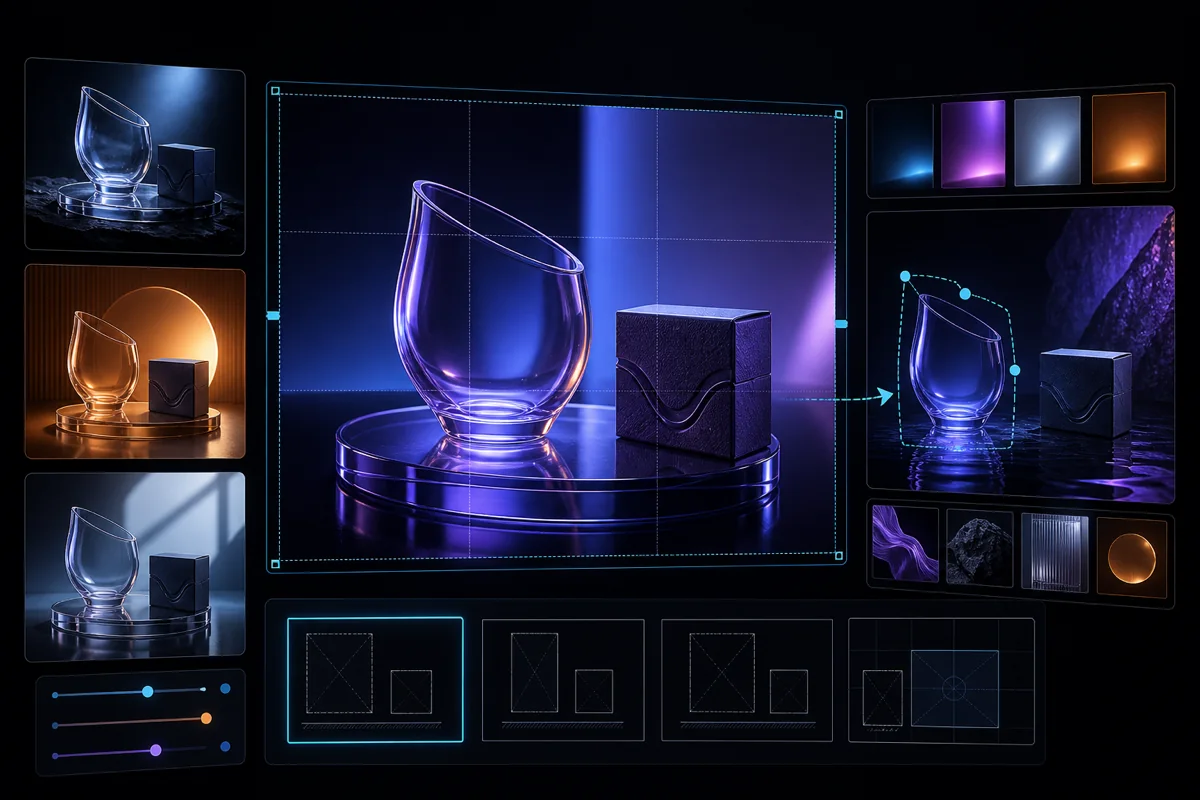
GPT Image 2.5: turn your photo into a comic and edit images
Sunburst and Flare in Gensta: choose a variant, upload photos and generate 1–4 images. Start with a personal comic, a greeting card or a product photo.
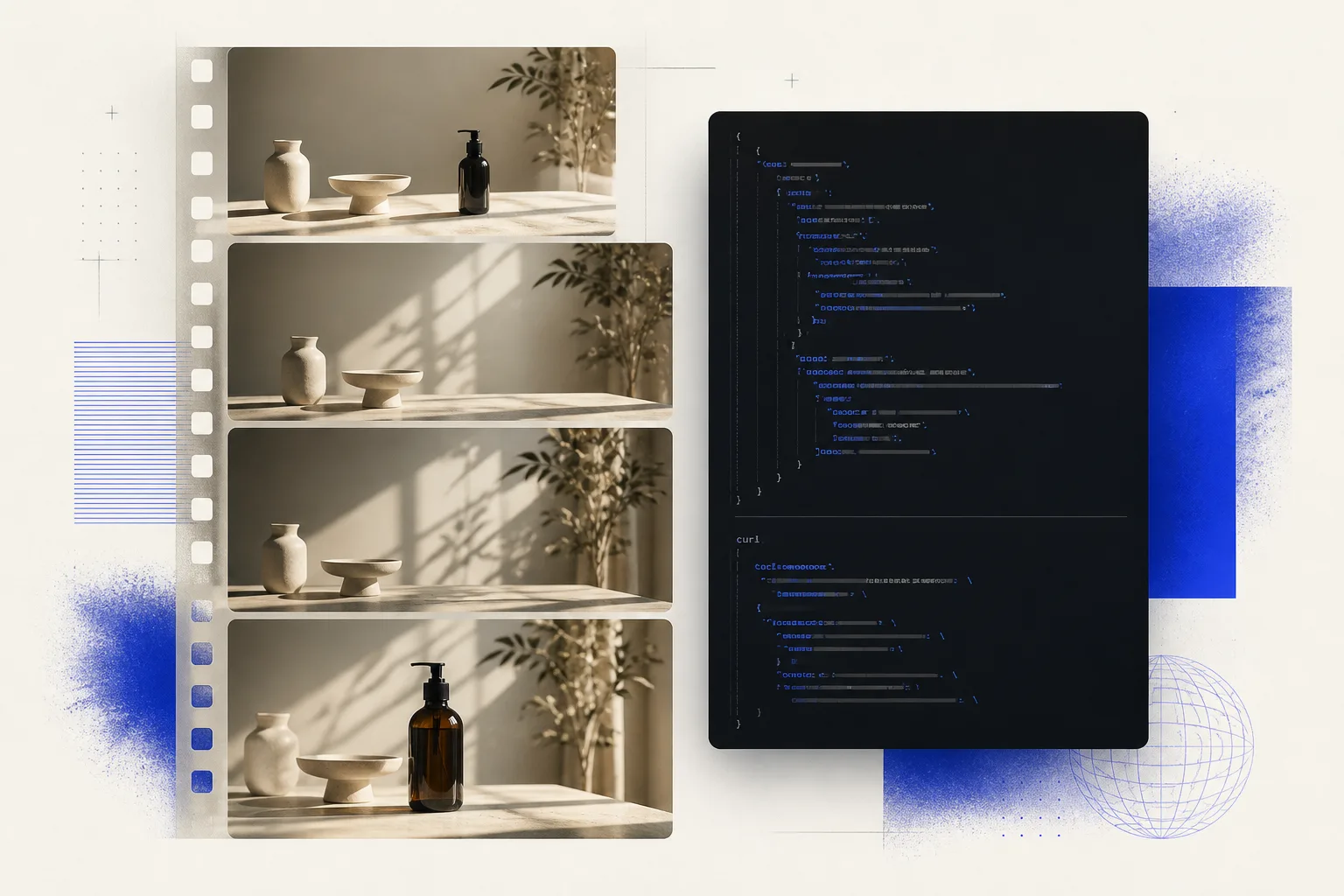
Video Generation API: Add AI Video to Your Product
How a video generation API works: competitive prices, current models, async jobs, and pay-as-you-go billing. What you need before the first request.
GPT Image 2 Review: Image Generation, Editing, and Prompt Examples
See what GPT Image 2 can do in Gensta, how its settings work, and use practical prompts for product cards, posters, text, and image editing.