 Gensta.ai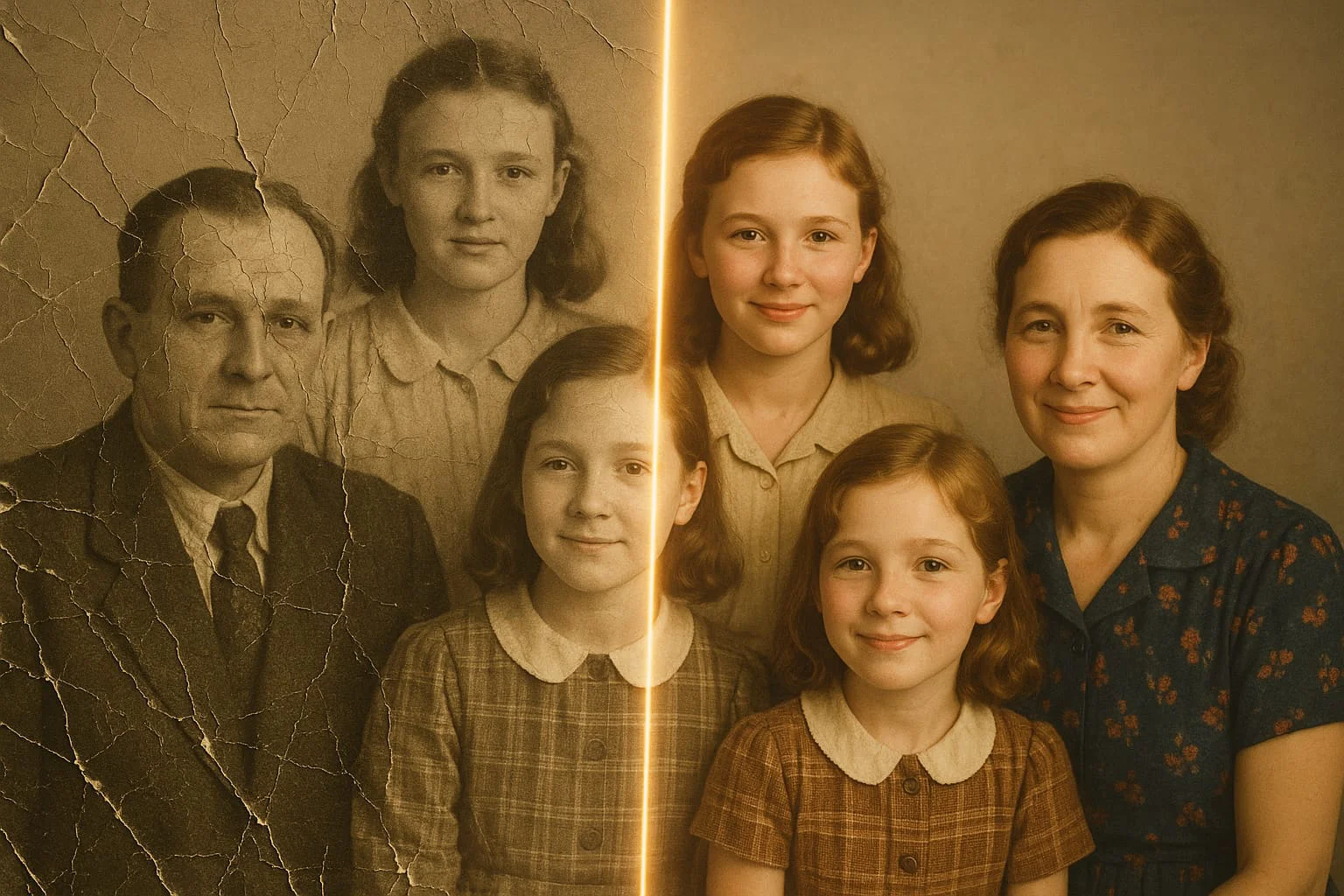
Animate Old Photos with AI Online — Bring Family Pictures to Life (2026)
Turn old family photos into living video in minutes: AI adds subtle movement, blinking and natural expressions. Step-by-step guide, no editing skills needed — try it free online.
Animating Old Photos: Why It Matters
Your grandmother from a 1960s photo suddenly smiles and glances at the camera. Your grandfather from a wartime portrait blinks and slowly turns his head. This isn't special effects — it's what modern AI photo animation models can do.
Reviving old photos is one of the most emotionally powerful applications of AI technology. For family archives, memorial pages, tribute videos — it's a way to experience family history in a new dimension.
Technically it's the same task as animating any photo: an image-to-video neural network reconstructs natural motion from the image content. But old photos have specific challenges — low resolution, black-and-white, physical damage — that need to be accounted for.
Best Models for Animating Old Photographs
Not all models handle old or black-and-white photos equally well. Here's what works in practice.
Kling Motion Control (Motion Standard/Pro) — best for old portrait photos. The model handles low resolution well and adds convincing motion even to grainy historical images. Small movements work especially well: blinking, a gentle head turn, a smile.
MiniMax 2.3 — a solid all-around choice for standard black-and-white photos. If the scan is sharp and well-lit, results are excellent.
Wan 2.5 — an interesting option for artistic treatment of old photos. You can create not just animation but a stylized artistic video clip.
Try on Gensta.aiStep-by-Step: Animating an Old Family Photo
Step 1. Prepare the photo. Scan or photograph the old image at maximum resolution — minimum 800×600 pixels. If the photo is damaged, consider restoring it first with a photo restoration tool (like Remini or built-in smartphone tools).
Step 2. Choose a model. For portrait shots, use Kling Motion Standard. Keep the prompt simple: "person slowly smiles and blinks, natural movements, preserve facial features."
Step 3. Generate. Black-and-white photos sometimes yield unexpected results — the model may add color or interpret the scene in creative ways. This can actually produce beautiful effects.
Step 4. Try multiple variations. Test 2–3 different prompts (different movements, different intensity) and choose the most realistic. The best result usually features minimal, organic motion.
Ideas for Using Animated Old Photos
Animated family photos open up many meaningful applications.
Personalized gifts. For a grandmother's birthday — her own animated portrait from her youth. For a wedding anniversary — the animated ceremony photo. A gift no one else has.
Family archives. Collect animated portraits of the whole family into a video slideshow — it becomes part of family history.
Memorial pages. For deceased loved ones, an animated photo makes the memory more vivid and personal.
Social media. Old photo + modern music + animation = content that generates enormous emotional engagement. Works especially well on VKontakte and Instagram.
Try on Gensta.aiAll articles
Gensta Academy: learn to create AI video
Turn a photo into a film: a studio reference, narration, Seedance 2.5 and restrained editing. A practical starting point for beginners.
GPT Image 2.5: turn your photo into a comic and edit images
Sunburst and Flare in Gensta: choose a variant, upload photos and generate 1–4 images. Start with a personal comic, a greeting card or a product photo.
Video Generation API: Add AI Video to Your Product
How a video generation API works: competitive prices, current models, async jobs, and pay-as-you-go billing. What you need before the first request.