 Gensta.ai
AI Photo Editor Online: Photo Editing and Generation with AI
How to use AI for creating and editing images. An overview of Nano Banana and Seedream models for AI photo editing online.
What is AI photo editing?
AI photo editing means editing and creating images using neural networks. Unlike traditional Photoshop, you describe changes in text: 'add a sunset to the background', 'make the hair red', 'remove people from the photo'. The AI understands context and applies changes realistically. You can also generate images from scratch using a text description — this is called text-to-image generation. AI photo editing is available on Gensta.ai via Nano Banana 2, Nano Banana Pro, and Seedream v4.5 models.
Models for photo generation and editing
Nano Banana 2 — the fast default model: web search for up-to-date references, resolution up to 4K, up to 4 images at once. Nano Banana Pro — maximum quality with web search and high resolution. Nano Banana — the most affordable option, ideal for experiments. Seedream v4.5 — high-quality generation with minimal content restrictions. All models support both text-to-image creation and editing existing photos (image-to-image).
Try on Gensta.aiHow to get the best results
For AI photo editing: when editing an existing photo, upload it and describe exactly what to change. Be specific: 'change the dress color to red' is better than 'change the clothes'. For text-to-image generation: describe in detail — style, composition, lighting, specifics. Use web search (Nano Banana 2 / Pro) so the AI can reference current trends. Choose the right resolution: 1K for quick sketches, 2K for standard quality, 4K for print and fine detail.
A few more techniques that noticeably improve results. Work in iterations: don't try to describe everything in one prompt — start with the base change, then refine. Preserve composition: if you only need a new background, add 'keep the pose and face unchanged'. For complex edits (replacing a person, adding an object to a hand) attach a reference — Nano Banana models accept multiple input images at once.
What an AI photo editor can do: 10 popular tasks
Here are tasks an online AI photo editor handles in a single generation — no layers or masks.
1. Remove unwanted objects and people — 'remove the passers-by in the background'. 2. Replace the background — 'put me on a beach at sunset, keep the lighting on my face'. 3. Change clothes and hairstyle — 'dress me in a black business suit'. 4. Restore an old photo — remove scratches, sharpen, colorize a black-and-white shot. 5. Turn a selfie into a studio portrait — photographer-grade light, backdrop and retouching. 6. Merge several photos — place two people from different shots into one frame. 7. Restyle — turn a photo into anime, oil painting or a 3D render. 8. Upscale — increase resolution up to 4K for print. 9. Create a product card — clean-background product shot from a regular photo. 10. Generate an image from scratch — from a logo to a poster.
Most of these tasks have ready-made presets on Gensta.ai: open one, upload a photo — the prompt and settings are already configured.
Browse all AI presetsAI photo editing FAQ
Is AI photo editing free? No — there is no free starting balance. On Gensta.ai a generation costs just a few cents: top up credits and edit.
Do I need Photoshop skills? No. You describe every change in plain language. No layers, masks or tools.
Can I edit photos from my phone? Yes, everything runs in the browser — upload a photo from your phone and download the result right there. Signing in with Telegram or Google takes seconds.
Which model is best for editing faces? Nano Banana 2 and Nano Banana Pro preserve facial features best. For artistic restyling and generations with minimal restrictions, Seedream 4.5 is a good fit.
What quality can I download in? Up to 4K depending on the selected resolution — enough for print and any social platform.
Try on Gensta.aiAll articles
Gensta Academy: learn to create AI video
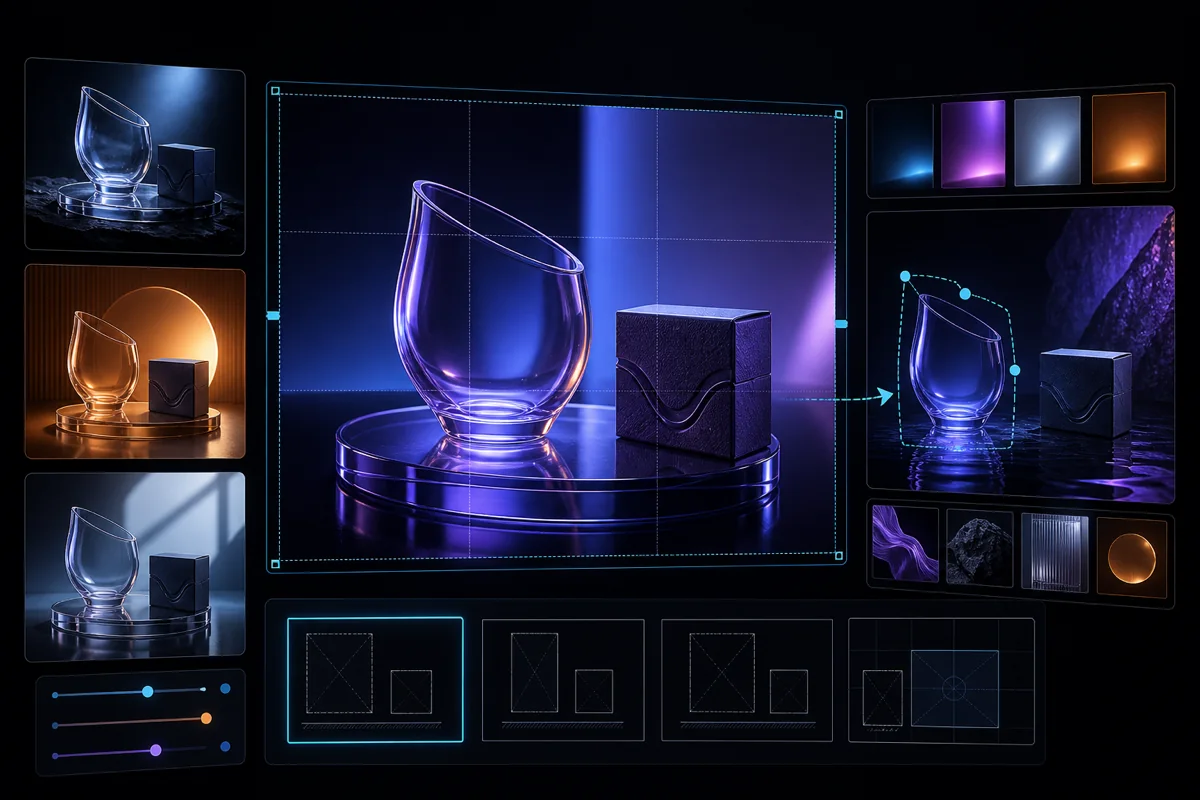
Turn a photo into a film: a studio reference, narration, Seedance 2.5 and restrained editing. A practical starting point for beginners.
GPT Image 2.5: turn your photo into a comic and edit images
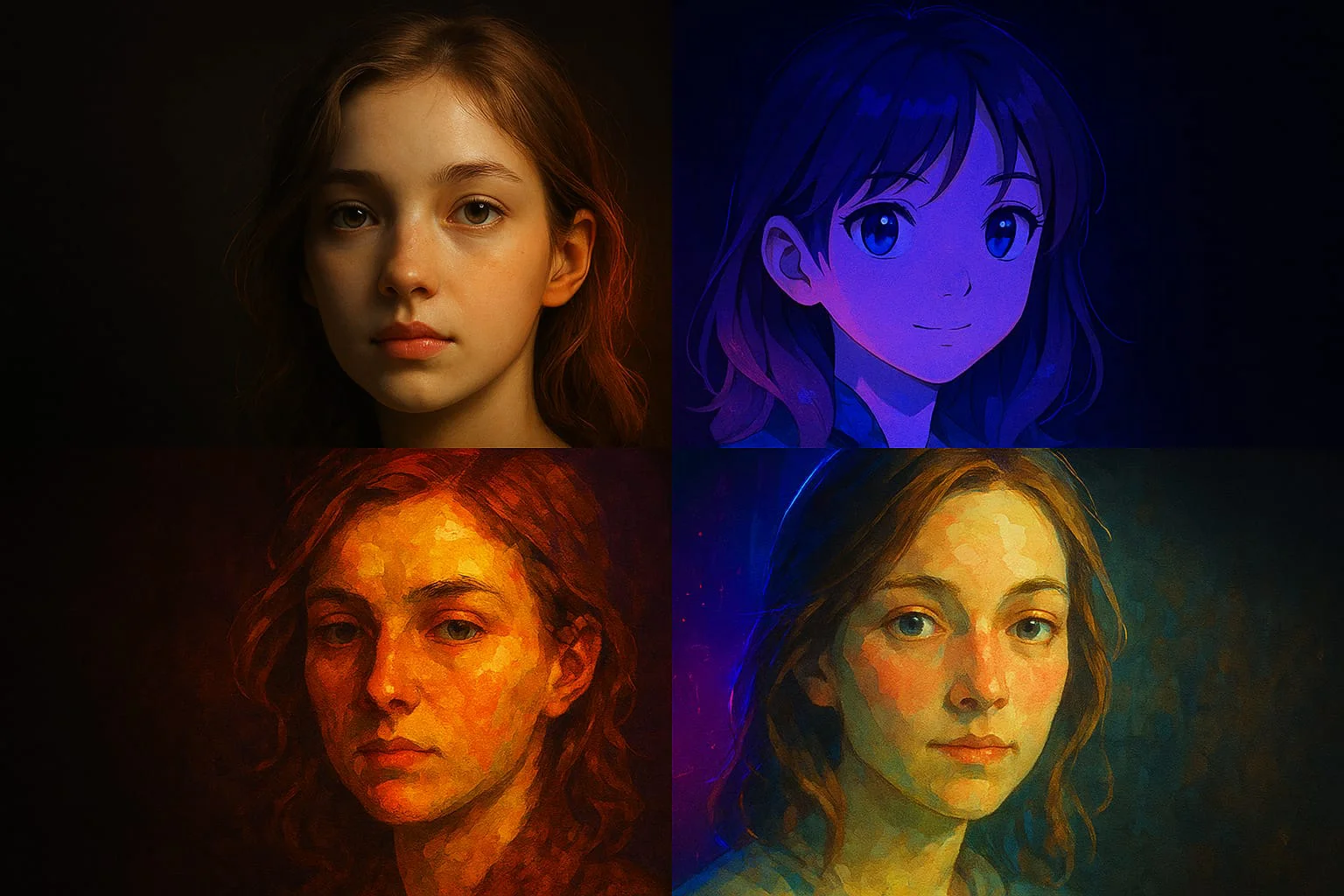
Sunburst and Flare in Gensta: choose a variant, upload photos and generate 1–4 images. Start with a personal comic, a greeting card or a product photo.
Video Generation API: Add AI Video to Your Product
How a video generation API works: competitive prices, current models, async jobs, and pay-as-you-go billing. What you need before the first request.