
 Gensta.ai
Meet Gen, the AI agent for photos and video: make a travel film or a product ad
A weekend away leaves you with dozens of clips. A product shoot can leave you with the opposite problem: one good photo and three places to use it. Here’s how to work through both briefs with Gen in Gensta.ai.
What Gen can do in a chat
Gen is the creative AI agent in Gensta.ai. You can brainstorm a story, ask for a shot list, attach your source files and start making an image or video in the same conversation. Tell Gen what you have and where the result will go. “Three clips from the coast for a 15-second Story” gives it a starting point for the edit.
Open AI Agent and choose a Personal or Business example. Selecting a card puts its prompt in the message field. Edit the details and attach your files before sending. If all you have is an idea, ask Gen for a few story options first.
Try GenPersonal project: turn three travel clips into a short film
Pick three moments that tell a story together. A morning train, the walk to the beach and your first glimpse of the sea give the edit a beginning and an ending. Attach the clips, specify the sequence and name a sound you want to keep.
“Make a 15-second vertical video. Open on the view from the train. Cut to us walking to the beach. Give the sea the longest shot and keep the sound of the waves at the end.”
Watch the last shot. Is there time to take it in? To revise the cut, write in the same chat: “Take two seconds off the walk and give them to the sea.” You can be just as specific with one still image. To animate a portrait, try “Let the breeze move a few strands of hair. Keep the camera and background still.”
Business project: turn one product photo into a listing and an ad
Imagine you sell a desk lamp. Someone browsing a catalogue needs a clear view of its shade. In a Story, the same customer might want to see how it lights a desk after dark. Start with one clear product photo and ask for two shots with different purposes.
“Here’s our lamp. For the listing, show the whole lamp on a light background. For Stories, place it on a desk by a window at dusk. Keep the colour, shade shape and switch position from the original.”
Check both images against the photo, down to the switch. Once you like the room shot, use it for the ad: “Make an eight-second vertical video in 9:16. Start wide on the desk, then move gently towards the lamp. Leave room at the top for the model name.” This gives you a chance to approve the product details before working on camera movement.
Four more ideas for personal and business accounts
Playlist artwork. Give Gen the mood, dimensions and exact wording. Try “Square cover for late-night jazz. A window lit in blue, with the title After Midnight readable at thumbnail size.”
Party invitation. Describe the style and ask Gen to leave space for the date and address. You can fill those in once the venue is confirmed.
Launch storyboard. Before filming, ask Gen for three opening shots for a café ad. Pick one and ask for the remaining shots with timings and on-screen copy.
Voiceover and subtitles. Attach a product demo and your script. Ask Gen to trim the narration to length and add captions. Watch it on mute: can a customer tell what the product does and where to order it?
Keep revisions in the right project
Create a project for a series, such as “Autumn collection”. Keep one chat for catalogue images and another for video ads. For your next revision, identify the shot and the change you want: “In shot two, leave the lamp where it is and make the light warmer.”
Check the settings and credit cost before starting a generation. For a first test, approve a single image, compare it with your original and then move on to the video.
Open AI Agent and start a projectQuestions about working with Gen
Can I start without a photo or video?
Yes. Describe the occasion, audience and format. Ask for a ten-second birthday script or three cover ideas. If the result needs to feature a particular person or product, attach a reference photo.
What changes when I switch between Personal and Business?
The switch changes the example cards. Personal includes portraits, invitations and travel films. Business includes product images, ad storyboards and Stories edits. You can write your own request from either view.
All articles
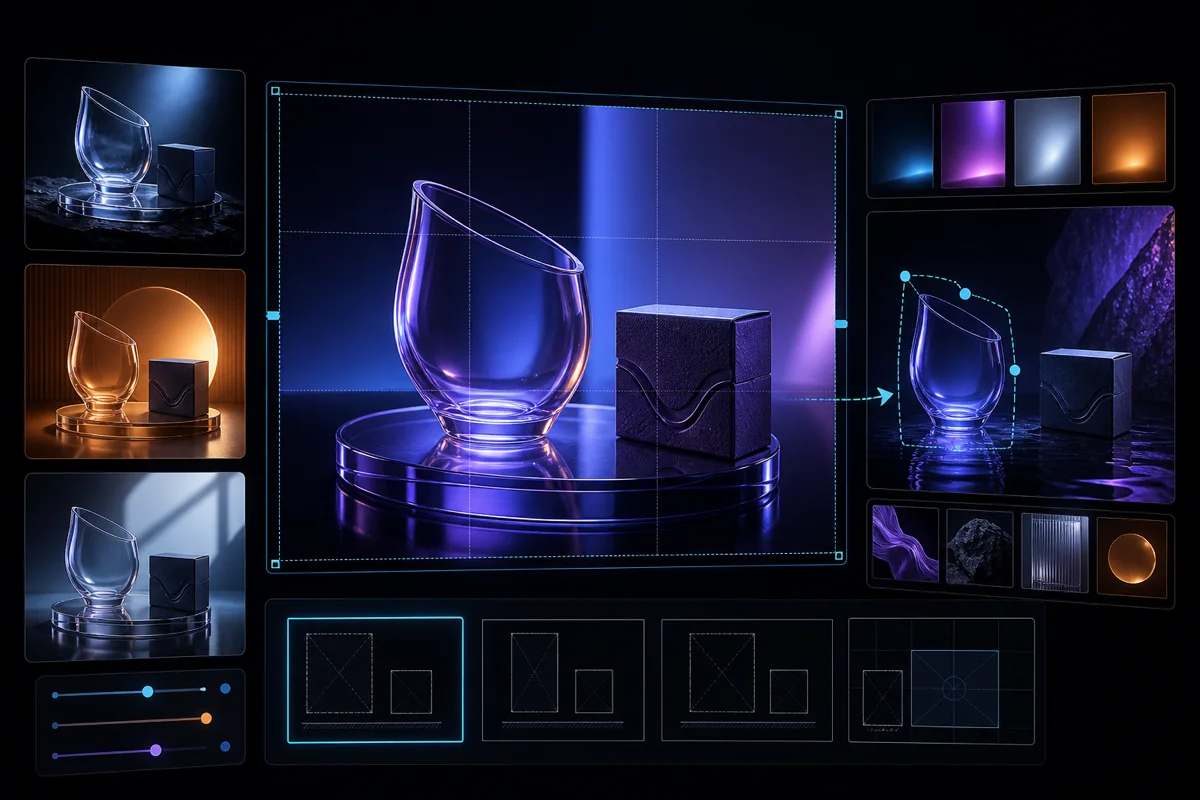
GPT Image 2.6: images, SVGs and GIFs in Gensta
Choose an output format, prepare references and create an image, vector illustration or short animation in Gensta.
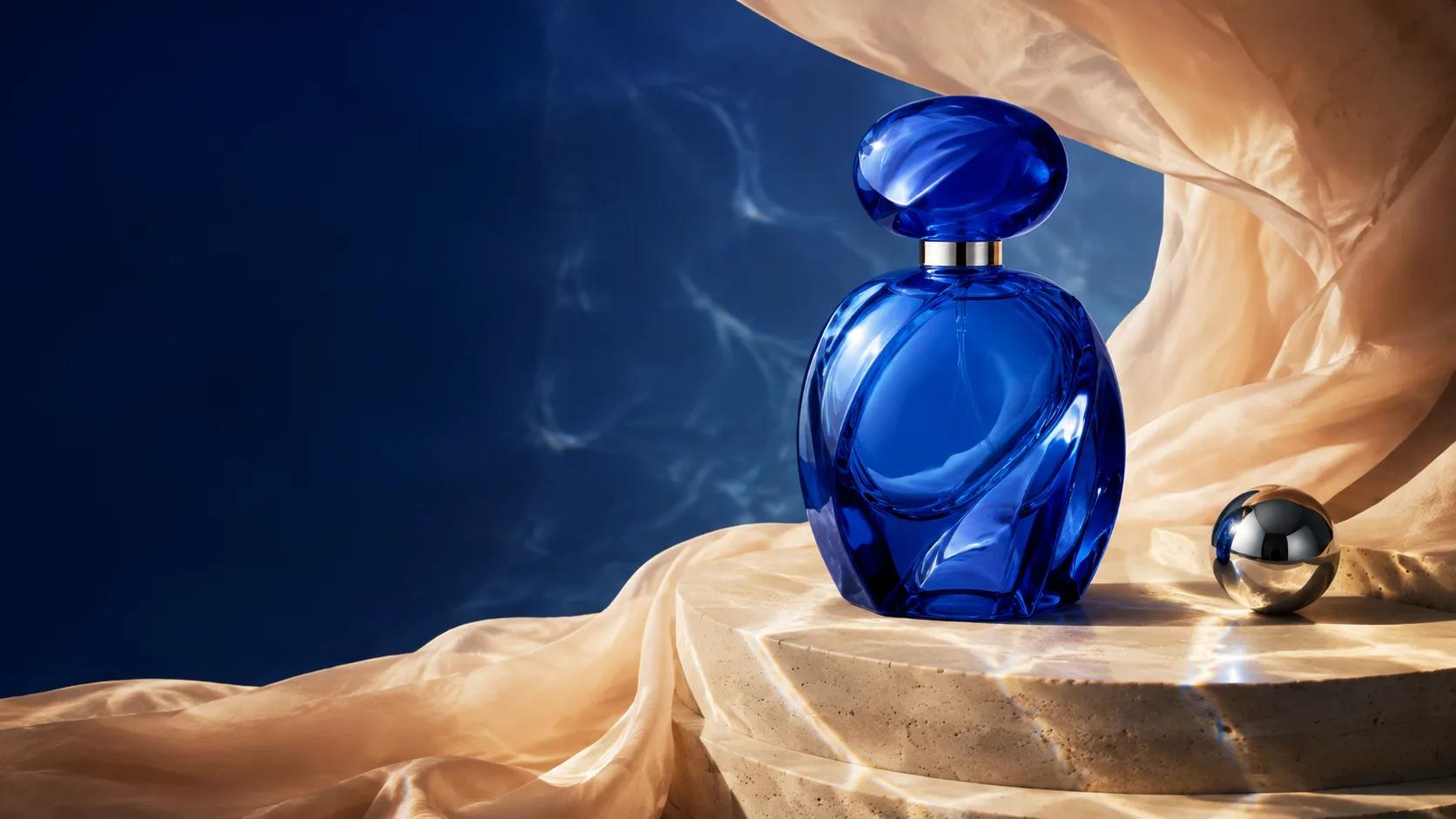
Seedream 5.5: generate and edit photos in Gensta
Work with photos and references, preserve important details through edits, and understand when to use the layer editor instead.
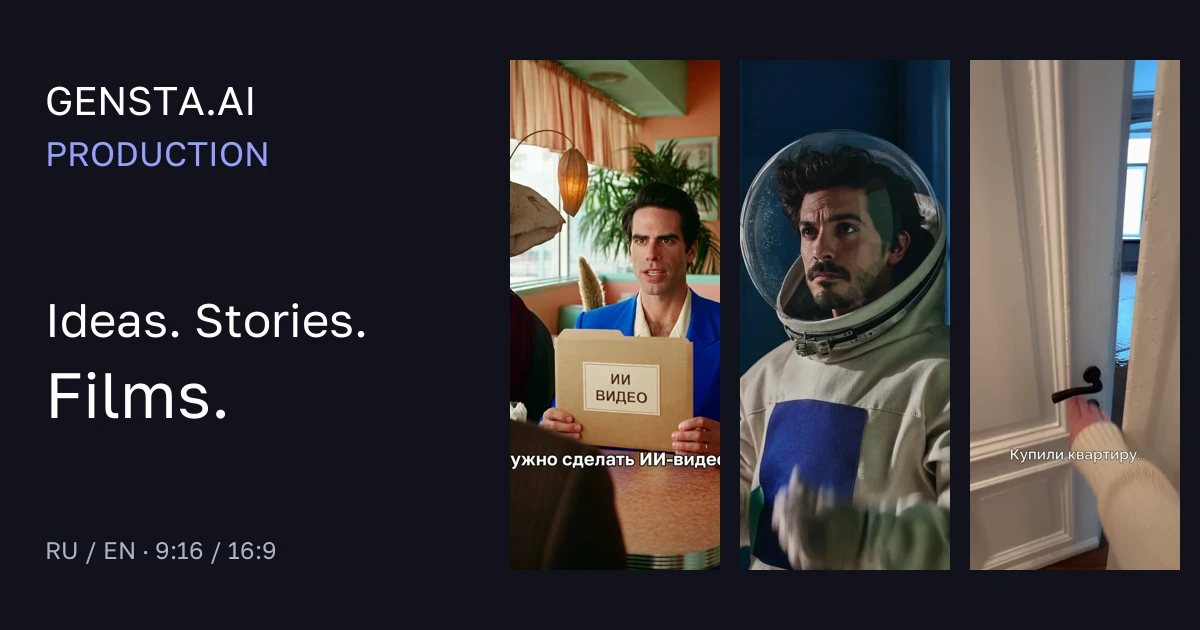
Video production with Gensta.ai: from concept to final ad
How we produce ads, adapt them for different screens and localize them for new audiences. Explore the work and estimate your project.