 Gensta.ai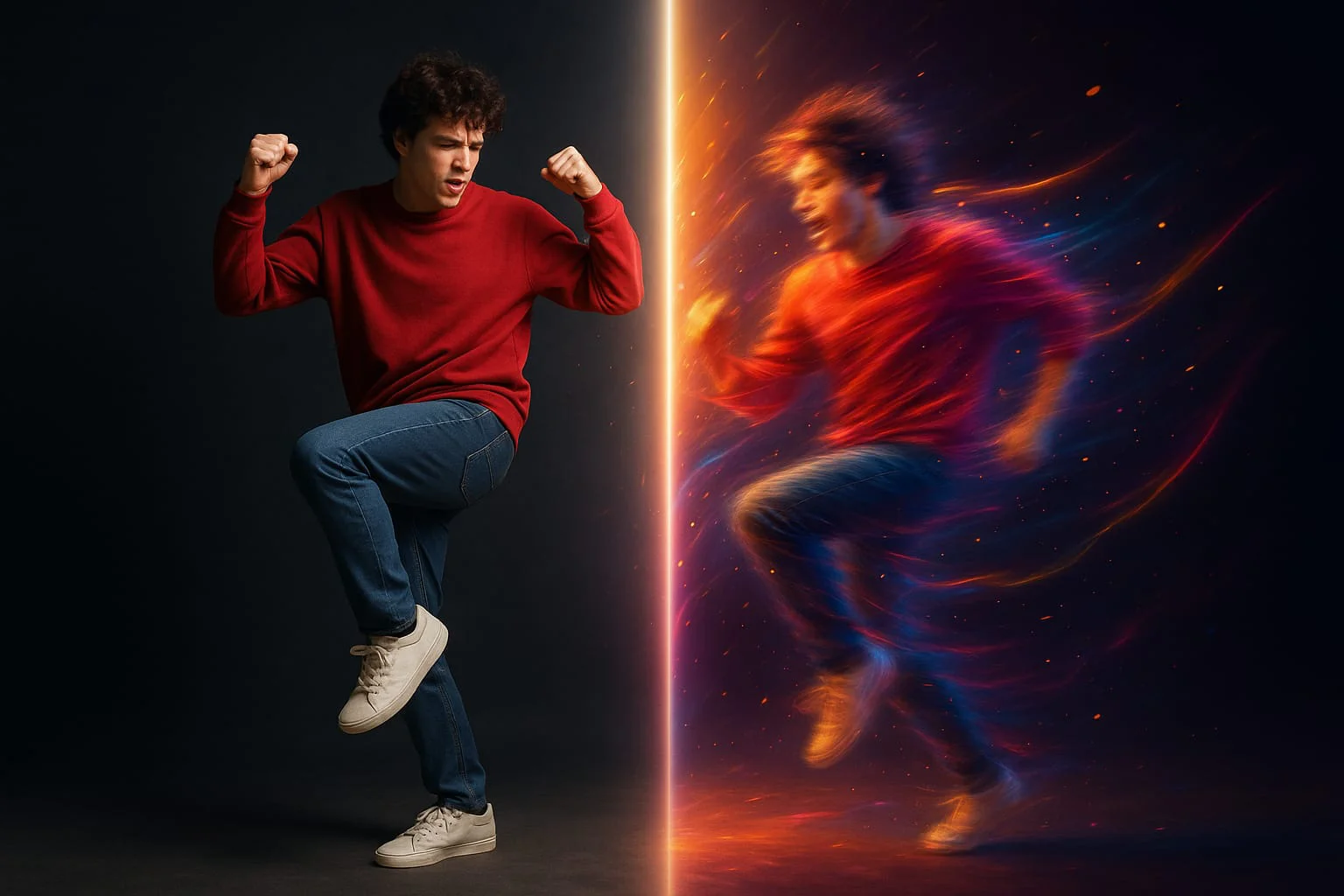
How to Create AI Dance Videos in 2026
AI dance videos are one of the biggest social media trends of 2026. Kling Motion Control transfers any choreography onto your photo in minutes — no dancing skills needed.
AI Dance Videos: The Viral Trend of 2026
Those viral clips of people from old photos suddenly dancing to popular songs — that's not editing or acting. That's Kling Motion Control and similar motion transfer technologies at work.
The concept is simple: upload your photo and a reference video with the desired dance (or gestures). The AI analyzes the motion skeleton from the reference and transfers it to your portrait. Your face, clothing, and background stay intact — only the movement changes.
In 2026, this has gone mainstream. Kling 2.6 Motion Control leads in motion transfer quality. Results are often startlingly realistic — viewers genuinely can't tell how it was made.
Kling Motion Control: Best Tool for AI Dance Videos
Kling Motion Control works through motion transfer — extracting skeleton keypoints (shoulders, elbows, wrists, hips, knees) from a reference video and reproducing that trajectory on a new character.
For the best photo results: vertical or square format, clear face, full body or at least torso visible. A neutral pose — standing straight, arms by sides — works best. Simpler starting poses make it easier for the model to apply the dance.
For the reference video: 3–30 seconds, single dancer (not a group), good lighting, dancer fully in frame. Popular viral dances work best — the model is trained on common choreographic patterns.
Gensta.ai offers Motion Standard and Motion Pro — the difference is in detail quality and motion smoothness.
Try on Gensta.aiStep-by-Step: Creating a Dance Video from a Photo
Step 1. Prepare your materials. You need: a photo (yours or anyone's) and a reference video with the desired dance. Find references on TikTok, Instagram Reels, or YouTube — screen-record the relevant clip.
Step 2. Open Gensta.ai, select Video mode, and choose Motion Standard or Motion Pro. Upload the photo as the source image, the video as the reference.
Step 3. Add a prompt description — optional but helpful. For example: "person dancing energetically, preserve facial features, dynamic choreography." Start generation.
Step 4. Evaluate the result. The first attempt isn't always perfect — the model may distort proportions slightly on complex moves. Try a different photo angle or simpler reference. Usually 2–3 tries deliver an excellent result.
Ideas for Viral Dance Video Content
AI dance videos show 2–5x better reach on social media compared to static photos. Here are content ideas.
Animate famous people. Politicians, actors, historical figures — any recognizable face plus a funny or unexpected dance = viral potential.
Create a brand character. Your logo or mascot dancing? More memorable than any ad.
Make series. The same character dancing different styles — salsa, hip-hop, ballet, folk. A series of 5–7 videos drives engagement and follows.
Ride music trends. Kling Motion works with any reference video — use dances to trending tracks of the week and your content enters the active search feed.
Try on Gensta.aiAll articles
How to Animate a Photo with AI: Step-by-Step Guide 2026
Animating photos with AI is one of the most popular creative trends in 2026. Learn how to turn any still image into a living video in just a few minutes.
AI Video Generation: A Complete Guide to Neural Networks in 2026
An overview of all available neural networks for generating video from text and images. Which model to choose, pricing, and how to achieve professional results.
Sora 2 vs Veo 3.1 vs MiniMax 2.3: Comparing AI Video Models
A detailed comparison of three of the most popular AI video generation models. Quality, speed, pricing, and when to choose which model.