 Gensta.ai
AI Video Generation: A Complete Guide to Neural Networks in 2026
An overview of all available neural networks for generating video from text and images. Which model to choose, pricing, and how to achieve professional results.
How does AI video generation work?
AI video generation means creating video clips with artificial intelligence from a text description (text-to-video) or an image (image-to-video). You describe a scene in words or upload a photo, and the neural network generates a 4-12 second video with realistic motion, lighting, and physics. Modern models like Sora 2, Veo 3.1, and MiniMax 2.3 can produce cinematic, professional-quality video. Gensta.ai offers 8 video generation models from the world's leading AI labs.
Best models for fast generation
MiniMax 2.3 Fast — the fastest and most affordable model. Generates 6-10 second videos at 768p or 1080p resolution in 1-2 minutes. Starting from 38 credits (~$0.04). Ideal for experiments and quick iterations. MiniMax 2.3 — an enhanced version with more detailed results. Wan 2.5 Fast — fast generation with artistic styles and minimal content restrictions. Veo 3.1 Fast — a fast version of Google's model with built-in audio.
Try on Gensta.aiPremium models for professional results
Sora 2 and Sora 2 Pro from OpenAI — produce the most realistic cinematic videos. The Pro version supports 1080p with enhanced detail. Generates 4-12 second videos with built-in audio. Veo 3.1 from Google DeepMind — unique in that it generates video with built-in sound and music. No need to add audio separately. Ideal for content with audio. Wan 2.5 — the best choice for artistic, animated, and creative styles.
Try on Gensta.aiPrompt engineering tips for video
For better AI video results: describe the scene in detail — who is in the frame, what they're doing, what camera angle, what lighting. Use cinematic vocabulary: 'close-up', 'smooth camera movement', 'golden hour', 'backlight'. Specify the style: 'realistic', 'anime-style', 'Pixar-style'. For text-to-video, the prompt matters most. For image-to-video, upload a high-quality photo and describe only the desired motion.
All articles
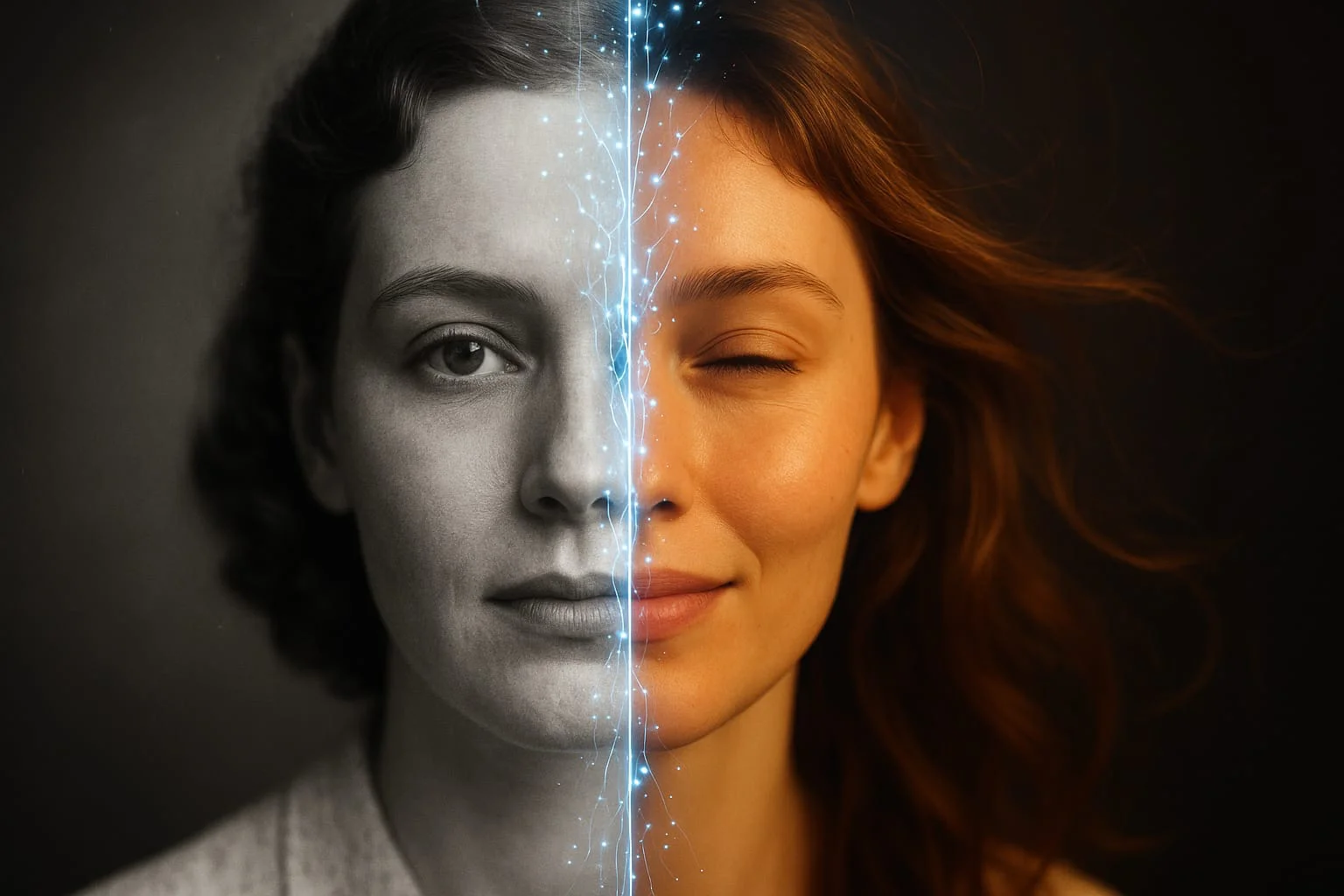
How to Animate a Photo with AI: Step-by-Step Guide 2026
Animating photos with AI is one of the most popular creative trends in 2026. Learn how to turn any still image into a living video in just a few minutes.
Sora 2 vs Veo 3.1 vs MiniMax 2.3: Comparing AI Video Models
A detailed comparison of three of the most popular AI video generation models. Quality, speed, pricing, and when to choose which model.
Kling Motion Control: How to Animate Photos with Video References
A detailed guide on using Kling 2.6 Motion Control to transfer motion onto photos. Dance videos, character animation, and creative projects.