 Gensta.ai
AI Photo Generation: Create Images from Text Descriptions
AI image generators let you create realistic photos from written descriptions. We explain how it works, which models to choose, and how to write prompts that deliver results.
What Is AI Photo Generation and How It Works
AI image generation creates photos and pictures from a text prompt. Write "portrait of a young woman, studio lighting, black and white photography" — and get a finished image in 5–15 seconds.
This works through diffusion models: neural networks trained on hundreds of millions of text-image pairs that learned to 'grow' pictures from random noise, gradually approaching the given description.
In 2026, AI photo quality has reached photographic levels — most images are indistinguishable from real shots. Top models: Nano Banana Pro, Seedream 4.5, Midjourney v7, DALL-E 3. Gensta.ai offers Nano Banana 2, Nano Banana Pro, and Seedream 4.5.
Nano Banana: AI Photos with Minimal Restrictions
Nano Banana is one of the most popular photo generation models in the Russian-speaking community. Originally launched as a Telegram bot, now available as a full platform.
Key strengths: photorealism in portrait photography, face-preserving photo editing, and broad content flexibility. Nano Banana Pro offers fewer restrictions than Midjourney or DALL-E — important for artists and 18+ content creators.
Nano Banana 2 is the base version with a great price-to-quality ratio. Nano Banana Pro offers improved detail in skin, hair, and clothing.
Prompts work best in English. For portraits: "professional portrait photo, studio lighting, sharp focus, high resolution, photorealistic."
Try on Gensta.aiHow to Write Good Prompts for AI Photo Generation
A prompt is an instruction for the model. More precise instructions give more predictable results.
Good prompt structure for photos: [subject] + [pose/action] + [environment/background] + [lighting] + [style/quality]. Example: "young woman [subject] standing by a window [pose + environment], soft natural light [lighting], portrait photography, sharp focus, 4K [style]."
Quality keywords to add at the end: "photorealistic, high resolution, sharp focus, professional photography, studio quality."
What to avoid: too many objects in one prompt, contradictory descriptions, vague instructions without specifics.
Tip: save prompts that delivered good results. Build a personal library of 10–20 base prompts for your recurring tasks.
Uses for AI Photo Generation: From Hobby to Business
Who needs AI photo generation and why.
Social media content. Unique images for posts, stories, covers — no stock photos or copyright concerns. Generate as many variants as you need for any topic.
Marketing and advertising. Product photos, banners, ad layouts — fast and cheap. Especially valuable for small businesses without photoshoot budgets.
Design and visual concepts. Illustrations for articles, presentations, landing pages. Fast moodboard and reference creation.
Personalized content. Avatars, game characters, stylized portraits — all in seconds.
Creative hobby. Exploring AI capabilities, experimenting with styles, building art projects.
Try on Gensta.aiAll articles
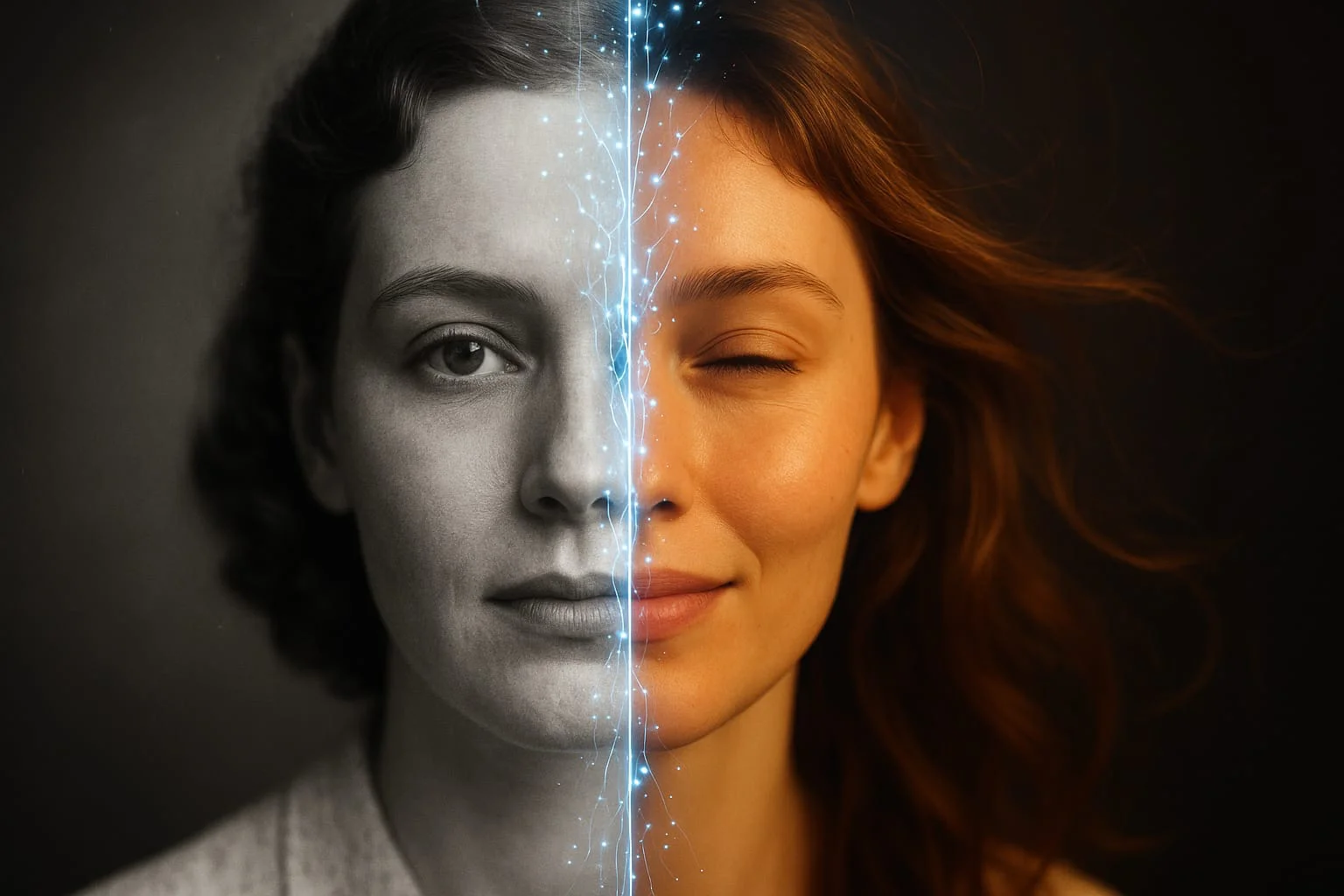
How to Animate a Photo with AI: Step-by-Step Guide 2026
Animating photos with AI is one of the most popular creative trends in 2026. Learn how to turn any still image into a living video in just a few minutes.
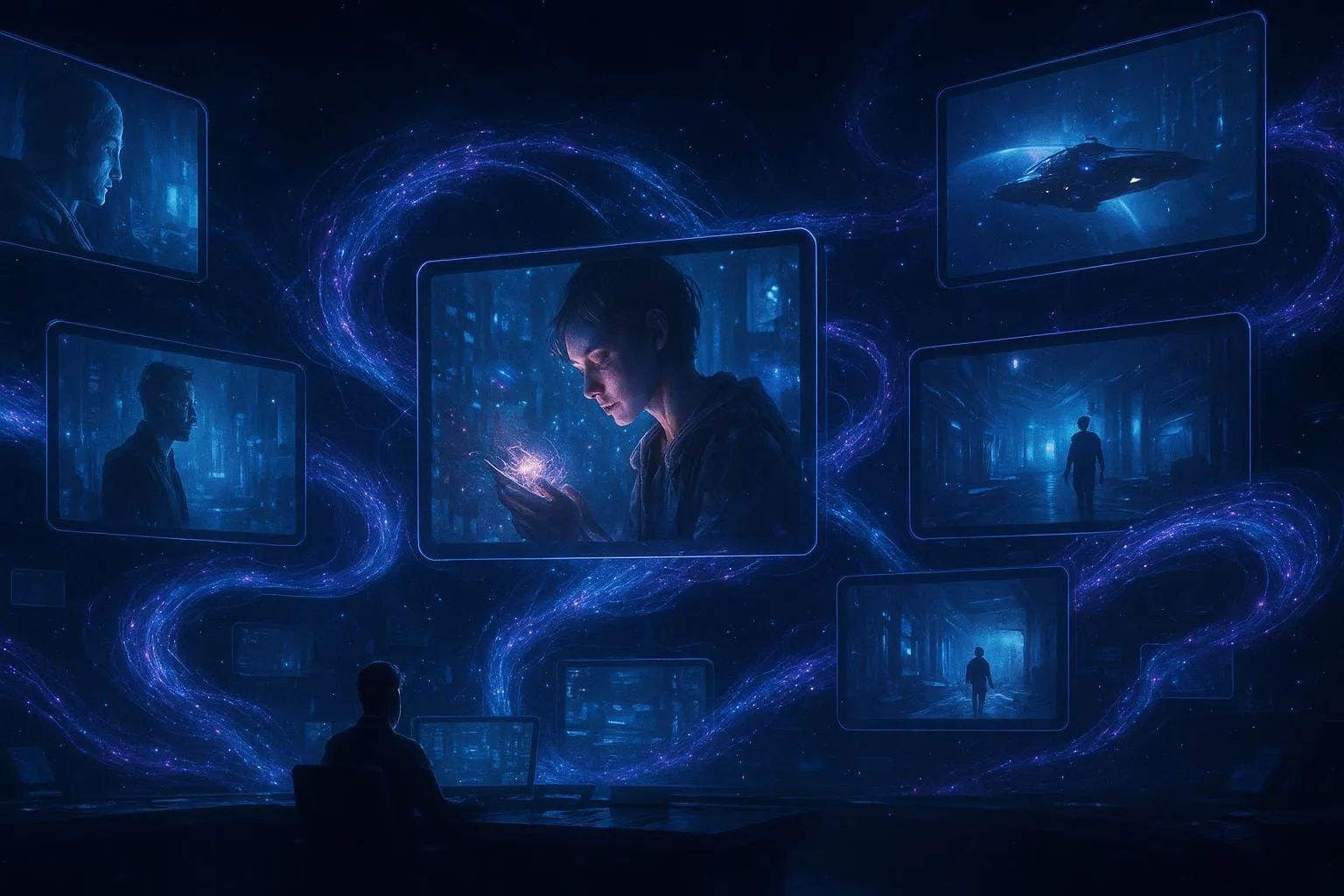
AI Video Generation: A Complete Guide to Neural Networks in 2026
An overview of all available neural networks for generating video from text and images. Which model to choose, pricing, and how to achieve professional results.
Sora 2 vs Veo 3.1 vs MiniMax 2.3: Comparing AI Video Models
A detailed comparison of three of the most popular AI video generation models. Quality, speed, pricing, and when to choose which model.