 Gensta.ai
💎 Extend Video Ultra
Maximum-quality continuation on Seedance 2.5 — AI appends a new cinematic segment from the last frame of your clip, up to 1080p, and the original video with its audio stays untouched in the result.
Try this presetHow it works
Click "Try this preset" — the creation page opens with the "Extend Video Ultra" preset already selected. Prompts, model and settings are pre-configured — nothing to tweak.
Upload your photo (some presets accept video). Clear, well-lit shots where the face or subject is clearly visible give the best results.
Start the generation — the result is ready in 1–3 minutes. Download the video or image in high quality and share it on social media.
Try this presetSimilar presets
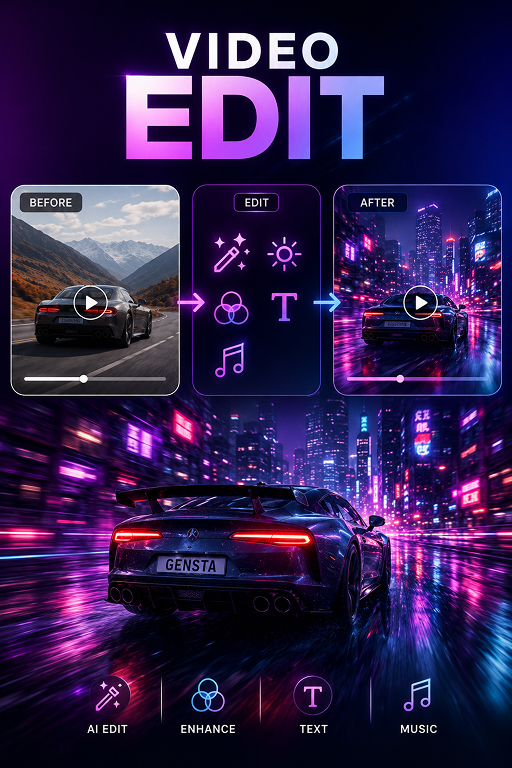
✏️ Edit Video
Upload a video and describe what to change — replace objects, swap colors, alter the scene. AI preserves the original motion and timing.
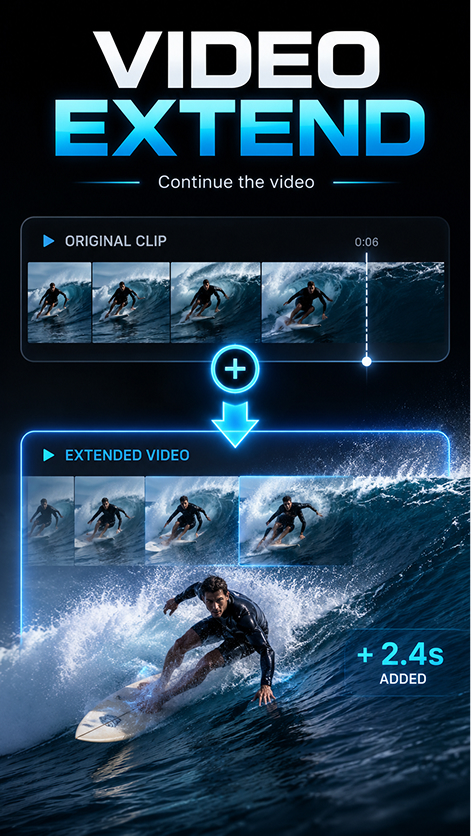
⏩ Extend Video
Upload a video and describe what should happen next — AI seamlessly continues the clip from the last frame, matching the original motion and style.
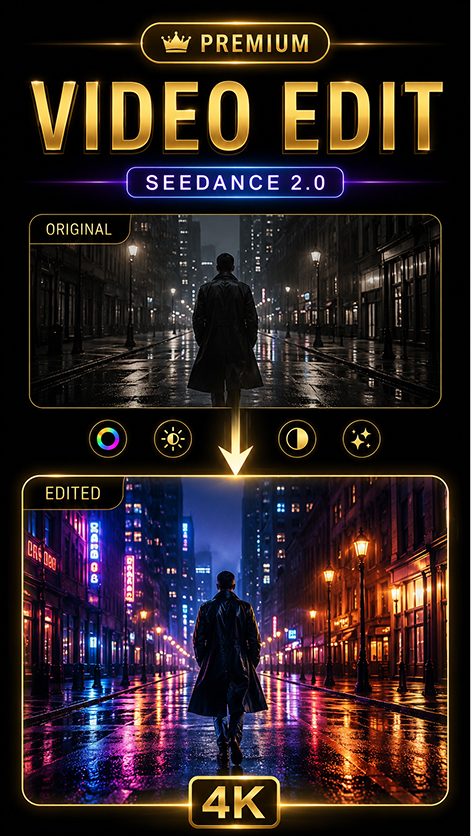
✨ Edit Video Premium
Premium video editing on Seedance 2.0 — describe the change and AI rewrites lighting, style, weather or objects while keeping the original motion, faces and timing. Synchronized audio included.
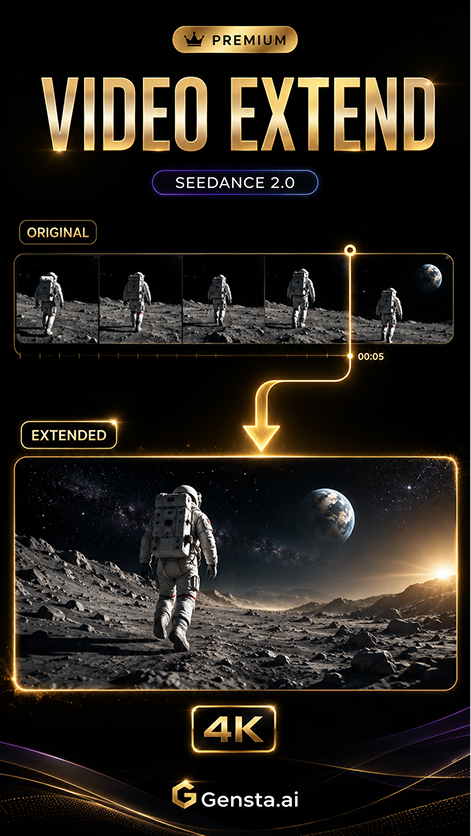
🚀 Extend Video Premium
Premium video continuation on Seedance 2.0 — AI appends a new cinematic segment starting from the last frame; the original clip and its audio are fully preserved in the result.