 Gensta.ai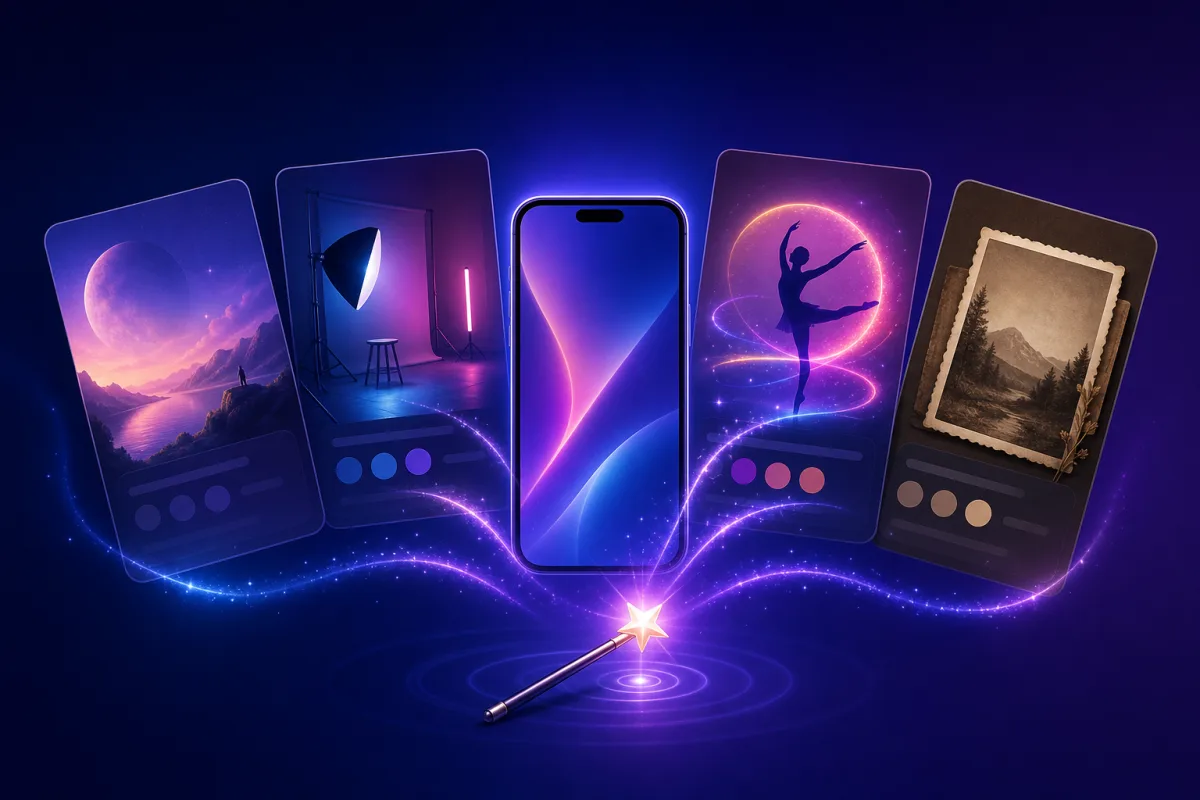
AI Presets: a Viral Video or Avatar from One Selfie — No Prompts
Ready-made AI templates: upload a photo and the AI builds a viral video, avatar, studio portrait or dance clip on its own. Prompts, models and settings are pre-configured. A tour of the best Gensta.ai presets.
What AI presets are and why they beat prompting
The hardest part of AI generation is the prompt. A striking video requires describing the scene, camera motion, style and lighting, then picking the right model and settings. Professional prompts run a paragraph long, and even then the first result usually needs rework.
A preset solves this in one click: it's a ready-made template where the prompt, model, resolution and every parameter are already chosen and tested. All you provide is a photo. The AI places it into the scene and returns a predictable result on the first try.
Gensta.ai has 80+ presets across 14 collections: viral videos, avatars, studio portraits, photo animation, dances, greeting cards, business content. Every preset has its own page with a sample result.
Browse all AI presetsViral videos starring you
The most popular category is video presets that put you at the center of an epic scene. Upload one selfie — get a clip where you fly a helicopter, escape a chase, stand on a skyscraper rooftop or star in a movie scene.
These clips rack up views on Reels, TikTok and Shorts precisely because viewers see a familiar face in an unexpected context. Vertical format, 5–15 seconds — ready to post without editing.
Under the hood it's a model pipeline: first the AI blends your face into the scene frame, then a video model animates it with the designed motion. Doing this manually would take a dozen generations and prompt tuning — the preset does it all.
Browse the preset collectionAvatars and studio portraits from a selfie
The second most popular category is photo presets for avatars and portraits. A casual selfie becomes a studio portrait with professional lighting, a business headshot for LinkedIn and resumes, a stylish social media avatar or an art portrait in a chosen aesthetic.
The key difference from 'just filters': the AI preserves your facial features but completely rebuilds the light, background, clothing and composition. The result looks like a photographer's work, not a filter pass.
Tips for best results: use a sharp, well-lit front-facing photo without sunglasses or harsh shadows. The same preset produces different results with different photos — try 2–3 shots and pick the best.
Browse the preset collectionPhoto animation, dances and other collections
The Photo Animation collection turns a static picture into living video: subtle movement, facial expressions, natural gestures — perfect for old family photos and treasured shots.
Dances is a separate collection where your character from a photo performs chosen dance moves. It works with people, characters and even pets.
There are practical collections too: holiday greeting cards, promo videos for business and marketplaces, photo editing (background removal, quality enhancement, outfit swaps), family portraits.
Every preset works the same way: open the preset page, hit 'Try', upload a photo — the result is ready in 1–3 minutes. New users get a starting balance to try it for free.
Browse the preset collectionAll articles
Seedream 5.0 Pro Review: the New AI Image Model vs GPT Image 2
ByteDance released Seedream 5.0 Pro — a model with pixel-level editing, layers, and strong portrait quality. How it compares to GPT Image 2, and why AI porn and prohibited content are still banned on Gensta.ai even if the model's filters are softer.
Seedance 2.5: 30-Second AI Videos Without Stitching — What We Know
ByteDance announced Seedance 2.5: native 30-second 4K clips in a single pass, up to 50 reference inputs, and joint audio-video generation. Here's what it changes for creators and what you can already try today.

AI Models with Softer Filters 2026: Wan 2.5, Wan 2.7 & Seedream 4.5
Which AI models are less aggressive on action, fights, and horror — and what is still banned on Gensta.ai: AI porn, content involving minors, and photos of people without consent. A review of Wan 2.5, Wan 2.7, and Seedream 4.5.